
Summary: Changing the password blocks someone from signing in with the old password. However, they may still have an active session, a forwarding rule, access through a connected app, mailbox [...]
Summary: Three to five years is a practical replacement range for many business computers. The right time depends on security support, reliability, performance, warranty coverage, repair costs, and the employee’s [...]
Summary: Your IT budget should include the technology you already use, the support required to maintain it, and the upgrades you expect to make during the year. It should also [...]
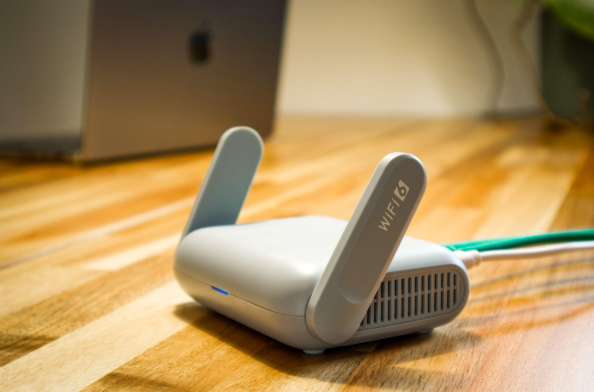
Summary: Guest Wi-Fi should provide internet access while blocking connections to your internal business network. A different Wi-Fi name and password do not confirm that the networks are separated. The [...]
Summary: Before canceling a cloud service, export your data and confirm that the files can be opened or imported. Move any connected applications and sign-ins, then check the provider’s current [...]
Summary: Allow personal devices only for approved work, through approved apps, and when the device meets your security requirements. Use company-owned devices for administration, sensitive work, or jobs that require [...]
Summary: Employees should use standard accounts for email, web browsing, and everyday work. Administrator access should be limited to approved IT tasks and protected with a separate account. Administrator [...]
Summary: Most IT problems don’t appear out of nowhere. Backups quietly stop running, updates sit unfinished for weeks, and old staff accounts stay switched on for months. A short check [...]
Summary: The tools that run your business, like Microsoft 365, your accounting app, or your booking system, are reliable most of the time, but they do go down. When one [...]
Summary: If your business uses Microsoft 365, you have both OneDrive and SharePoint, and files usually end up scattered across them with no clear rule. OneDrive is for your own [...]








Service Areas
Vero Beach
Fort Pierce
Port St. Lucie
Stuart
Sebastian
Melbourne
Apollo Tech Specialist | +1-772-227-1233 | Florida’s Treasure Coast & East Coast